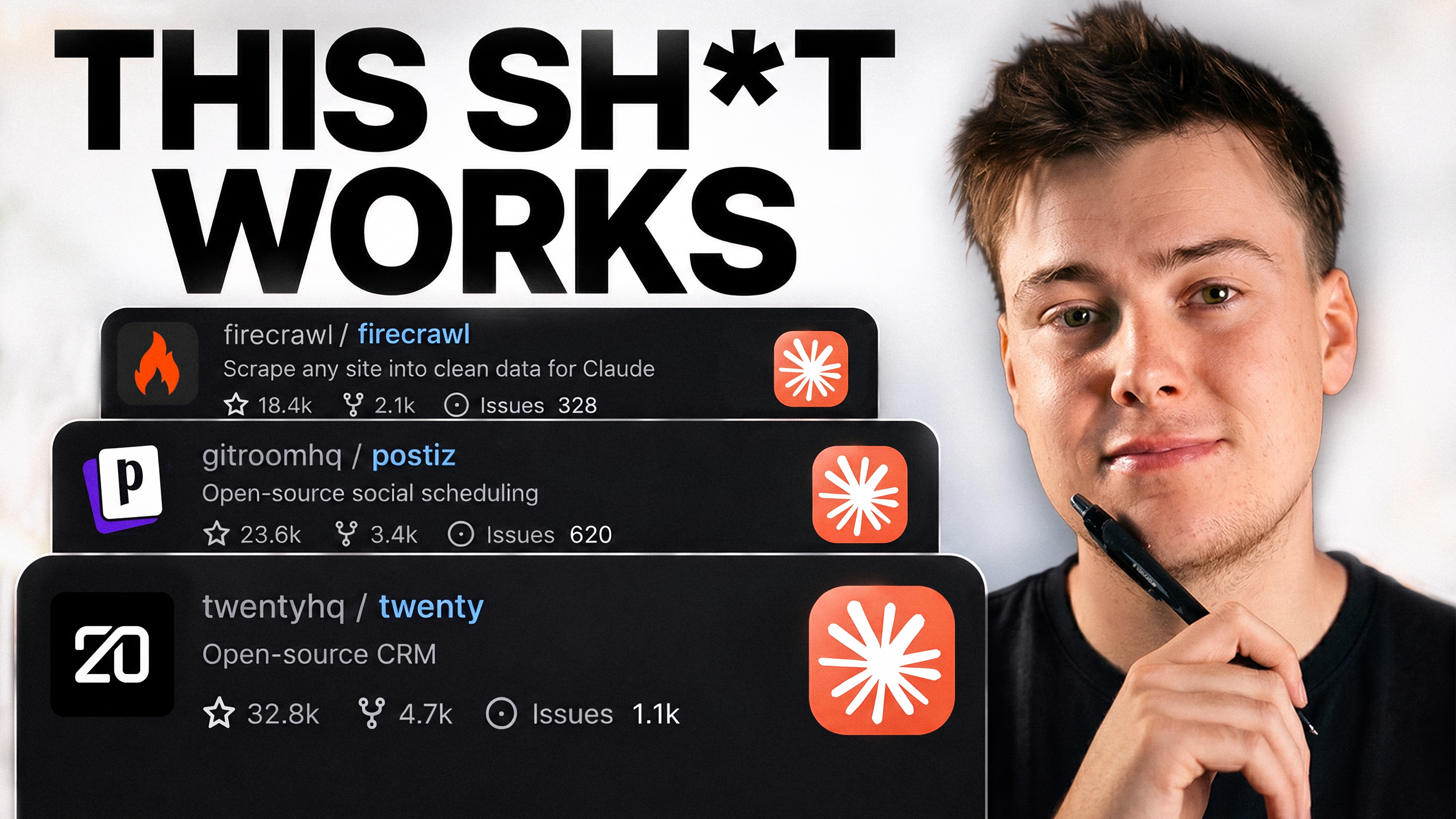
5 GitHub Repos That Fix Claude's Worst Habits
Set up project memory, answer-first formatting, natural writing, concise responses, and stricter coding rules from one installation brief, with file reviews, conflict checks, verification,和回
fix claudes worst habits
Fix Claude's 5 Worst Habits
Five free GitHub repos, one file. Drag this into Claude Code and paste the prompt at the bottom. Claude installs all five and shows you how to use each one.
From the AI Edge video "5 GitHub Repos That Fix Claude's Worst Habits".
The five
| Habit | Repo | Link |
|---|---|---|
| Forgets everything | claude-mem | https://github.com/thedotmack/claude-mem |
| Buries the answer | i-have-adhd | https://github.com/ayghri/i-have-adhd |
| Sounds like AI | humanizer | https://github.com/blader/humanizer |
| Writes way too much | caveman | https://github.com/JuliusBrussee/caveman |
| Charges ahead without asking | Karpathy's CLAUDE.md | https://github.com/multica-ai/andrej-karpathy-skills |
What each one does and how to use it
claude-mem - remembers your projects between sessions. Runs in the background once installed. Nothing to type. Open a new session and it already knows what you were working on. Memory viewer: http://localhost:37777. If it stops working: npx claude-mem repair.
i-have-adhd - puts the answer first, numbers the steps, cuts the preamble. Type /i-have-adhd at the start of a session to switch it on. Off by default. To remove: /plugin disable i-have-adhd.
humanizer - rewrites text so it stops sounding like AI. Type /humanizer then paste what you want fixed, or ask it to write in that voice from the start.
caveman - makes Claude say the same thing in far fewer words. On automatically once installed. Six levels: /caveman lite keeps grammar and just cuts filler (best for daily use), /caveman is full caveman (the funny one). To turn off for a session: /plugin disable caveman.
Karpathy's CLAUDE.md - four rules that stop Claude assuming, over-building, and touching files you didn't ask about. It's a text file. Paste the rules at the top of your project's CLAUDE.md, or into ~/.claude/CLAUDE.md to apply everywhere. Always on, nothing to type.
Which ones to leave on
- Always: claude-mem, Karpathy's rules
- Daily: i-have-adhd, caveman on lite
- When writing: humanizer on, caveman off
Don't run i-have-adhd with full caveman - caveman eats the structure ADHD adds. Lite is fine.
Install everything
Paste this into Claude Code:
Install these five repos for me. For each one, open the GitHub link, read the README and INSTALL.md if there is one, and install it the way the repo documents. Don't guess install commands. Ask before installing anything globally.

1. https://github.com/thedotmack/claude-mem - install via the /plugin marketplace commands in the README, not npm. Confirm the worker is running at localhost:37777.
2. https://github.com/ayghri/i-have-adhd - Claude Code plugin. After install, tell me to run /i-have-adhd.
3. https://github.com/blader/humanizer - follow the README.
4. https://github.com/JuliusBrussee/caveman - Claude Code plugin: claude plugin marketplace add JuliusBrussee/caveman, then claude plugin install caveman@caveman.
5. https://github.com/multica-ai/andrej-karpathy-skills - copy the rules from the CLAUDE.md into my global ~/.claude/CLAUDE.md. Show me the file before you write it. If I already have a CLAUDE.md, add the rules at the top, don't replace anything.

After each one, confirm it's active and show me exactly which files changed. If two of them conflict, tell me and suggest how to layer them.

When all five are in, give me a short table: repo, what it does, how to turn it on, how to turn it off, how to uninstall.
Then restart Claude Code.